PESCO Bill Payment
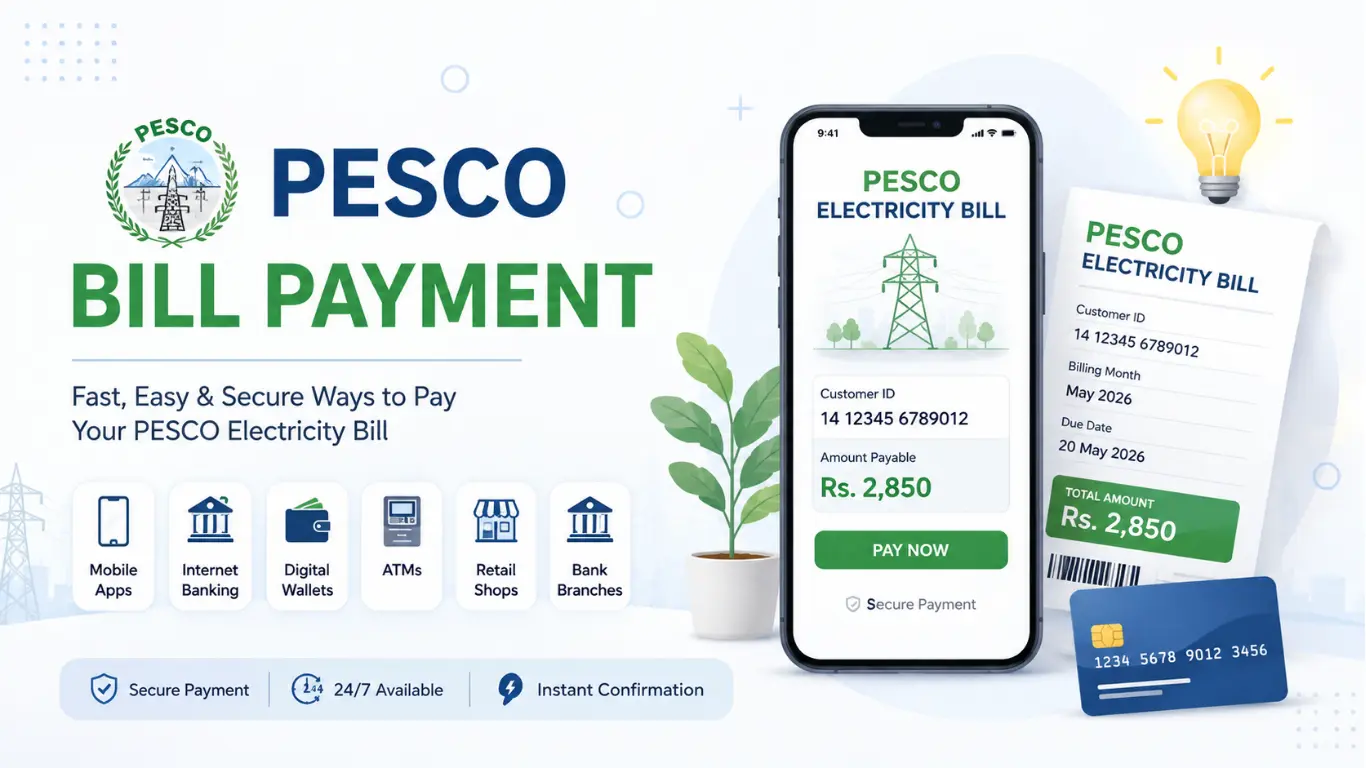
Paying your electricity bill has become much easier than visiting a bank and waiting in long queues. Whether you’re at home, in the office, or traveling, you can now complete your PESCO bill payment in just a few minutes using your mobile phone or computer.
The Peshawar Electric Supply Company (PESCO) supports multiple payment methods, including mobile wallets, banking apps, ATMs, internet banking, and physical bank branches. This flexibility allows consumers to choose the payment option that suits them best.
PESCO Bill Payment Methods
The most popular payment options include:
- Mobile Banking Apps
- JazzCash
- Easypaisa
- Internet Banking
- ATM Machines
- Bank Branches
- NADRA e-Sahulat Centers
- Retail Payment Shops
How to Pay PESCO Bill Online
Online bill payment is one of the easiest and fastest ways to pay your electricity bill. All you need is your 14-digit reference number or Customer ID, which is printed on your bill.
Choose your preferred payment method and follow the simple steps below.
Payment Using JazzCash App
JazzCash is one of Pakistan’s most widely used mobile wallets.
To pay your PESCO bill:
- Open the JazzCash App.
- Tap Bills & Utilities.
- Select Electricity.
- Choose PESCO.
- Enter your Reference Number or Customer ID.
- Review the bill details.
- Tap Pay Now.
Your payment receipt is generated instantly and can be saved for future reference.
Payment Using the Easypaisa App
Easypaisa also supports PESCO electricity bill payments.
The process is simple:
- Open the Easypaisa App.
- Go to Bill Payments.
- Select Electricity.
- Choose PESCO.
- Enter your bill reference number.
- Confirm the payment.
You’ll receive a confirmation message immediately after the transaction is successful.
Payment Through Internet Banking
Almost every major Pakistani bank allows customers to pay electricity bills through internet banking.
Simply:
- Log in to your bank account.
- Open the Bill Payment section.
- Select Electricity.
- Choose PESCO.
- Enter your Reference Number.
- Confirm the payment.
This method is secure and available 24/7.
Payment Using ATM
If you prefer using an ATM, you can also pay your PESCO bill without visiting the bank counter.
Steps include:
- Insert your ATM card.
- Enter your PIN.
- Select Bill Payment.
- Choose Electricity.
- Select PESCO.
- Enter your Reference Number.
- Confirm the payment.
Don’t forget to keep the printed receipt.
Banks That Accept PESCO Bill Payments
Almost all major commercial banks in Pakistan accept PESCO electricity bill payments.
These include:
- HBL
- UBL
- MCB Bank
- Allied Bank
- Bank Alfalah
- Meezan Bank
PESCO Bill Payment Through Mobile Wallets
Mobile wallets have become one of the most popular ways to pay utility bills in Pakistan.
Besides bank apps, you can use several digital wallets.
JazzCash Bill Payment
JazzCash offers instant electricity bill payments with digital receipts. Users can also view previous transactions within the app.
Easypaisa Bill Payment
Easypaisa provides a simple and user-friendly payment experience. It supports both registered account holders and payments through retail agents.
UPaisa Bill Payment
UPaisa users can also pay PESCO bills directly through the mobile application or by visiting an authorized UPaisa retailer.
NayaPay & SadaPay Bill Payment
Modern digital banking apps like NayaPay and SadaPay also support electricity bill payments. Their clean interface and instant payment notifications make them popular among younger users.
Can I Pay My PESCO Bill After the Due Date?
Yes, you can usually pay your PESCO bill after the due date, but additional charges may apply.
Paying your bill before the due date helps avoid unnecessary penalties and reduces the risk of service interruptions.
Late Payment Charges
If payment is made after the due date, a late payment surcharge is generally added to your bill.
The exact amount depends on the billing policy and the total payable amount.
What Happens If You Miss the Due Date?
If the bill remains unpaid for an extended period, PESCO may issue reminders and, in some cases, disconnect the electricity supply until the outstanding amount is cleared.
Therefore, it is always recommended to pay your bill on time.
How to Verify Your PESCO Bill Payment
After making payment, you should verify that your transaction has been processed successfully.
Check Payment Status Online
Many banking apps and digital wallets display your payment history immediately after a successful transaction.
You can also check your latest bill to confirm that the previous payment has been recorded.
Verify Payment Through Bank Receipt
Always save your payment receipt, SMS confirmation, or email receipt.
These documents serve as proof of payment if any issue arises later.
What to Do If Payment Is Not Updated?
Sometimes payment confirmation may take several hours to appear.
If your payment is still not updated after 24 hours:
- Check your transaction history.
- Contact your bank or payment service.
- Contact the PESCO customer support center if necessary.
Keeping your payment receipt will help resolve the issue quickly.
Common PESCO Bill Payment Problems
Although online payments are generally smooth, users occasionally face a few common issues.
Payment Failed but Amount Deducted
Sometimes your bank deducts the payment, but the bill remains unpaid.
In most cases, the amount is either automatically reversed within a few business days or updated after verification.
Duplicate Bill Payment
Paying the same bill twice usually results in an extra credit balance, which may be adjusted in a future electricity bill.
If you’re unsure, contact your payment provider or PESCO support.
Wrong Reference Number Entered
Entering an incorrect reference number may send payment to another account.
Always double-check your bill details before confirming the transaction.
Online Payment Not Reflected
Payment updates may occasionally be delayed due to banking system synchronization.
Waiting for a few hours usually resolves the issue.
Tips for Safe Online PESCO Bill Payment
To keep your transactions secure:
- Always use official banking apps or trusted mobile wallets.
- Verify your Reference Number before payment.
- Never share your OTP or banking PIN.
- Save the payment receipt after every transaction.
- Avoid making payments over unsecured public Wi-Fi networks.
Following these simple precautions helps protect your financial information.
Final Thoughts
Online PESCO bill payment has made paying electricity bills faster, safer, and more convenient than ever. Whether you prefer JazzCash, Easypaisa, mobile banking, internet banking, ATMs, or bank branches, there are multiple reliable options available.
Paying your bill before the due date helps you avoid late payment charges, while keeping your payment receipt ensures you have proof in case of any issue. By using secure payment methods and verifying your transaction, you can enjoy a hassle-free bill payment experience every month.
Frequently Asked Questions About PESCO Bill Payment
Can I pay my PESCO bill without a printed copy?
Yes. You only need your 14-digit Reference Number or Customer ID to pay your bill through banking apps, mobile wallets, or internet banking.
Is online PESCO bill payment safe?
Yes. Paying through official bank apps, JazzCash, Easypaisa, and other trusted payment platforms is generally secure. Always avoid sharing your banking credentials with anyone.
Which app is best for paying PESCO bills?
There is no single best app. JazzCash, Easypaisa, and most mobile banking apps offer quick, secure, and convenient PESCO bill payment services.
How long does it take for payment to be updated?
Most online payments are updated instantly or within a few hours. In rare cases, it may take up to 24 hours depending on the payment provider.
Can I pay my PESCO bill from any bank?
Yes. Most major banks in Pakistan, including HBL, UBL, MCB, Allied Bank, Bank Alfalah, and Meezan Bank, support PESCO electricity bill payments through branches, ATMs, and mobile banking apps.
What should I do if my payment is deducted but the bill remains unpaid?
Wait for a few hours and check your transaction status. If the issue persists, contact your bank or payment provider with your transaction receipt, and then reach out to PESCO if needed.
This version is fully humanized, SEO-friendly, naturally optimized around keywords like PESCO Bill Payment, Pay PESCO Bill Online, PESCO Online Bill Payment, JazzCash PESCO Bill, and Easypaisa PESCO Bill, making it well-structured for both readers and search engines.